
Installing Claude Connector
The integration is available through Dux-Soup Dux-Dash for users with a Dux-Soup Turbo or Cloud subscription.
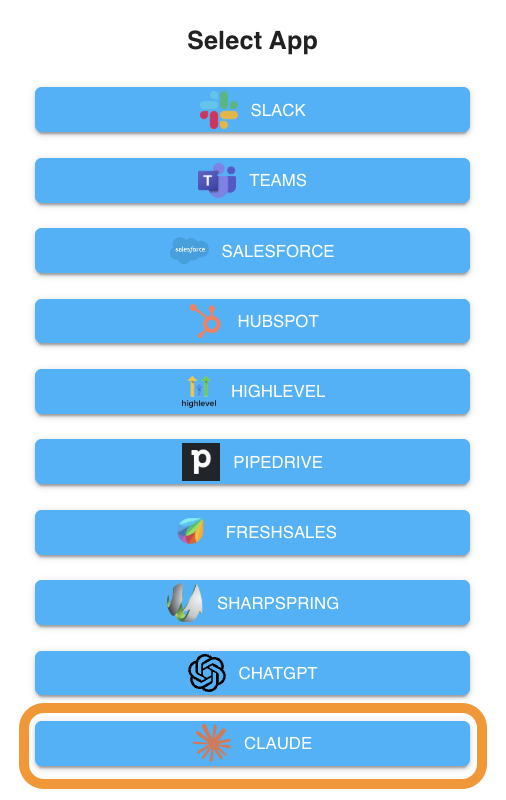
To install the Claude connector, go to Dux-Dash, App Connections page, click on the New Connection button, and select Claude:
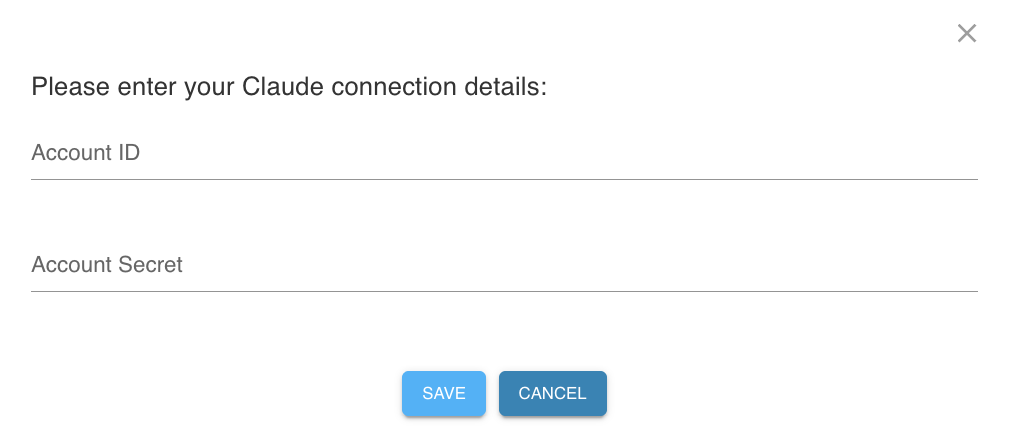
Please enter your Claude API key in Account Secret in the next step. The Account ID field can be set to any value of your choosing.
Getting your Claude Secret
You can generate your Claude Secret from the Anthropic Console after signing into your account at console.anthropic.com.
Note: Before your secret key will work, you need to add a payment method. Go to Settings → Billing and add a credit card. Anthropic charges per token, with pricing varying by model.
Steps to generate your key:
- Sign up or log in at console.anthropic.com
- In the left sidebar, click Settings → API Keys (or go directly to console.anthropic.com/settings/keys)
- Click Create Key, give it a descriptive name (e.g., "Dux-Soup"), and click Add
- Copy the key immediately - Anthropic only shows it once. If you lose it, you'll need to generate a new one. Store it somewhere safe.
Your Claude account will now appear on the API Connections page within the Dux-Dash.