
Dux-Soup stuck on “Initializing”
If Dux-Soup is stuck on “Initializing” and the Dux-Soup icon appears black, the extension is usually unable to complete the sign-in process.
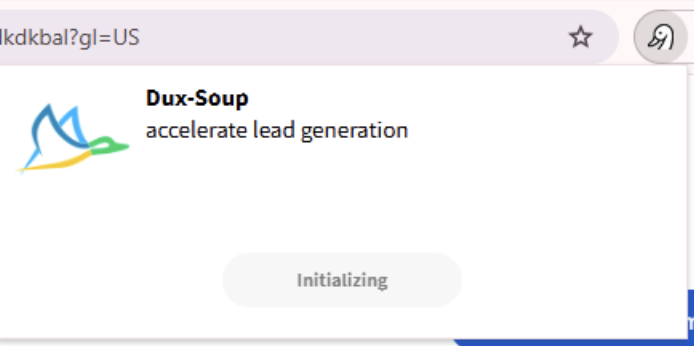
This commonly happens after:
- Switching between multiple Google accounts
- Signing out and back into Chrome
- Using multiple Chrome profiles
- Changes to your Google account session
- Expired or stale authentication tokens
In these situations, Dux-Soup may still be installed correctly, but it cannot verify the account linked to your subscription.
How to Fix It
- Open the Dux-Soup logout page:
- Sign back in using the Google account associated with your Dux-Soup subscription.
The extension should complete initialization and load normally.
Why This Happens
Dux-Soup uses your Google account to identify your subscription and maintain your session.
If Chrome is signed into multiple Google accounts, or if your active Google session changes, Dux-Soup may receive conflicting authentication information. When this happens, the extension cannot complete its startup checks and remains stuck on “Initializing”.
Re-authenticating through the logout page refreshes the connection between your Google account and your Dux-Soup subscription.