Manage queued activity across sessions
The Queued Activity tab in the STACKED Admin Dashboard lets administrators review upcoming automation actions across multiple team members or client sessions.
Use it to see what STACKED is scheduled to process and remove actions from the queue when you no longer want them to run.
Filter queued activity
Filters in the top panel control the data displayed across the Admin Dashboard.
You can select one session, multiple sessions, or all sessions. You can also select campaigns associated with those sessions and choose the reporting period.
Use these filters to focus the queue on the sessions and campaigns you want to review.

Review upcoming actions
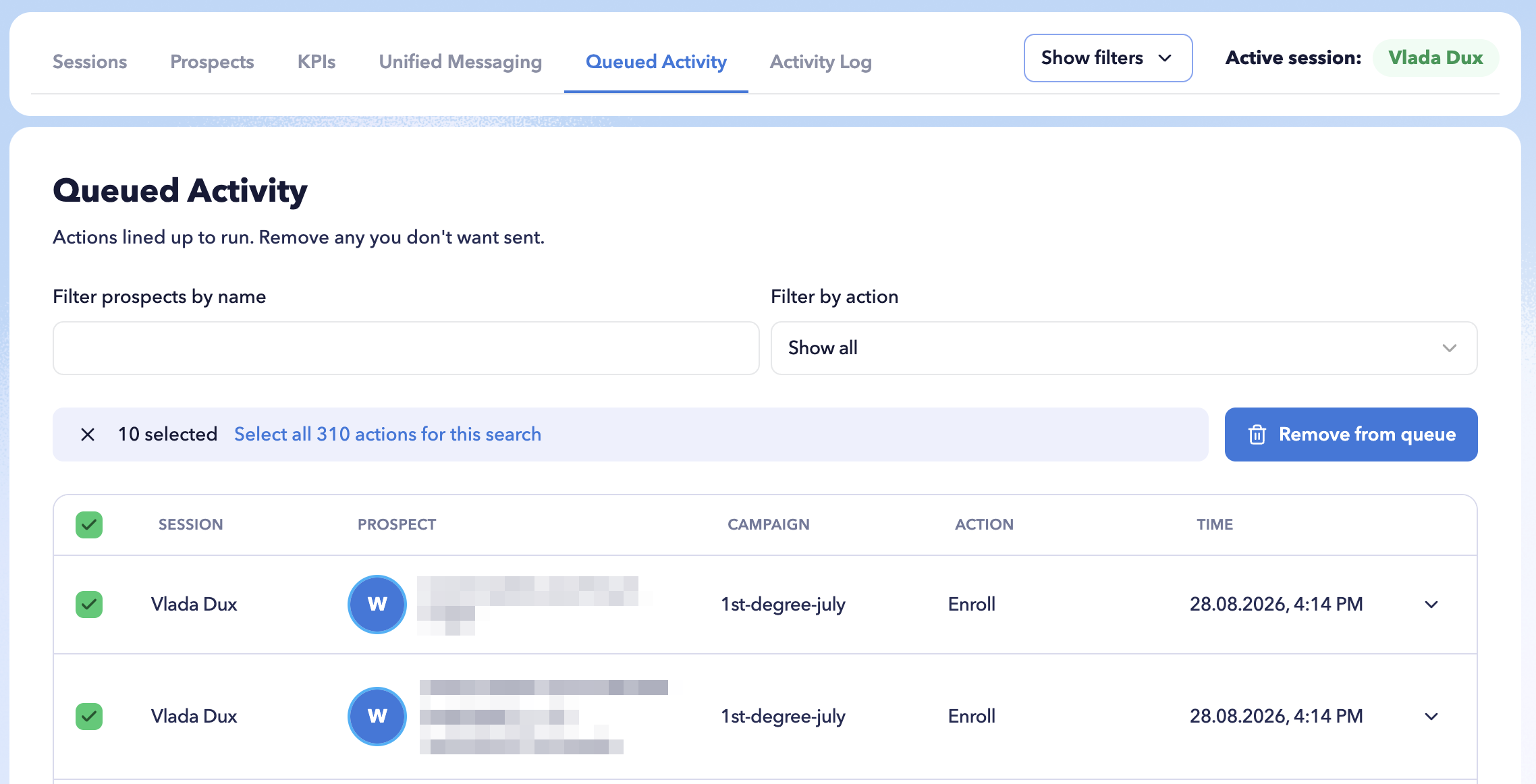
The Queued Activity tab displays automation actions that are lined up to run.
For each queued item, you can see the:
- Session the action belongs to
- Prospect the action will be performed for
- Action scheduled to run
Click the arrow next to an action to expand it and view additional details.
Find specific queued actions
Use Filter prospects by name to find queued activity for a particular prospect.
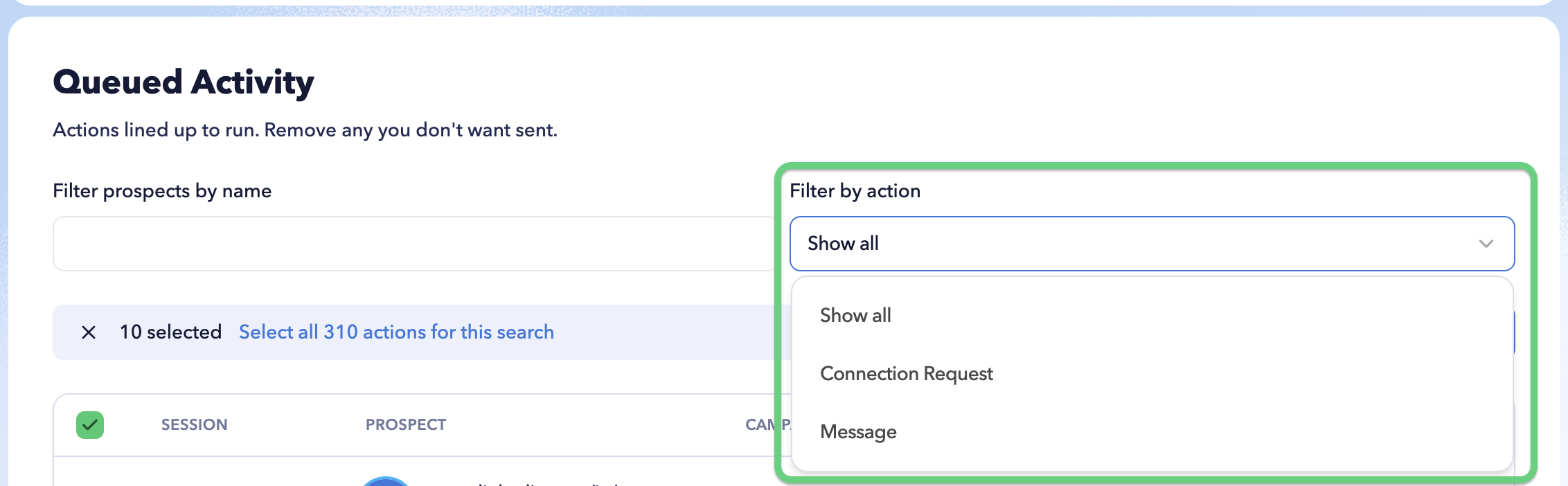
You can also use Filter by action to display only a specific type of scheduled action.
These filters make it easier to review a large queue before deciding whether any actions should be removed.
Remove actions from the queue
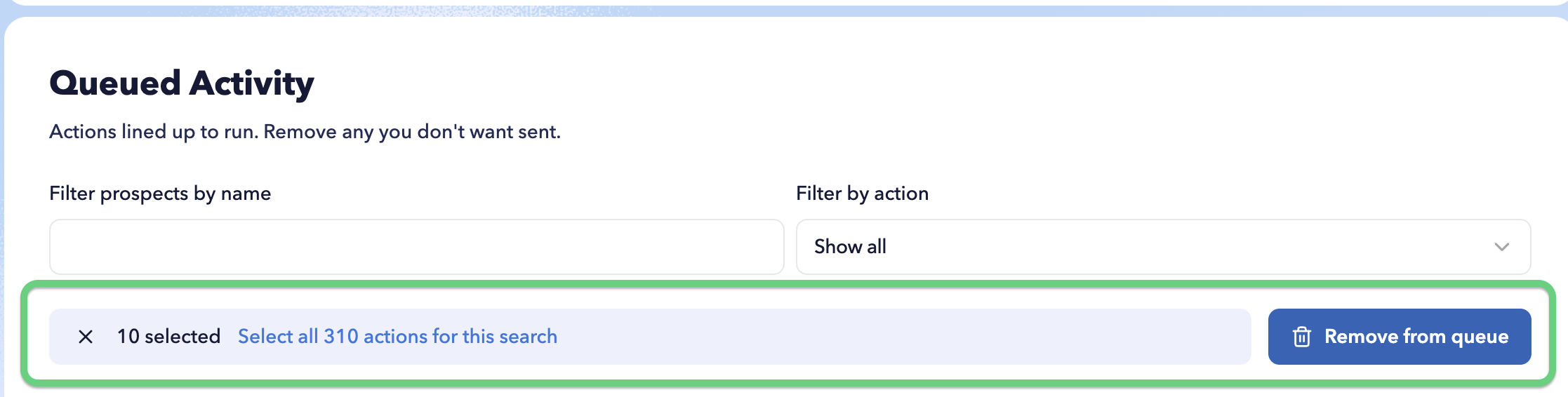
Select one or more actions you no longer want STACKED to process, then click Remove from queue.
To work with a larger set of results, use Select all actions for this search to select all queued actions matching your current filters.
Removing an action from the queue prevents that queued action from running.