
How to check for STACKED updates
To check whether a new version of STACKED is available:
- Open the STACKED app.
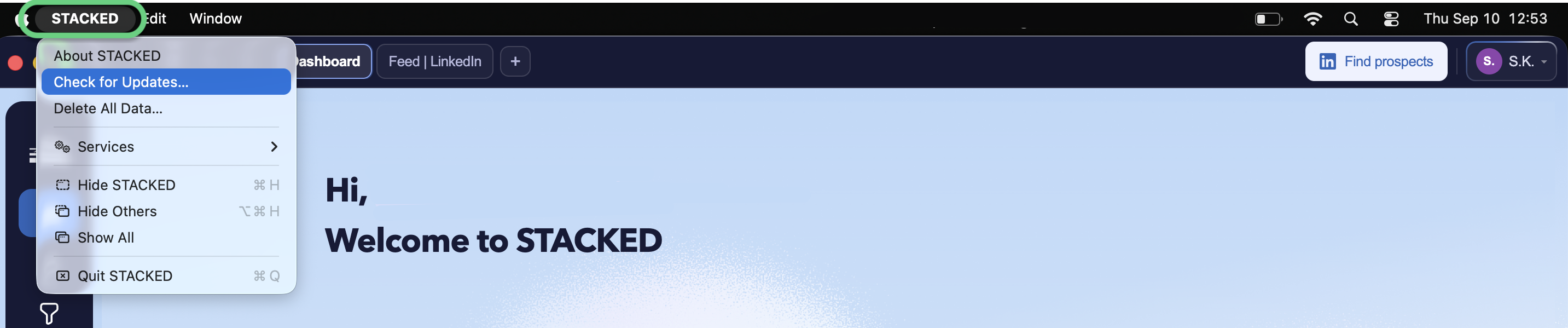
- Open the STACKED menu:
- Windows: Click STACKED in the top-right corner of the app window.
- Mac: Click STACKED in the menu bar at the top of your screen.
- Select Check for Updates.
STACKED will check whether a newer version of the app is available.
You either will recieve a message pop-up that You're up to date or the new version is available.