
How to log out of STACKED
You can log out of STACKED powered by Dux-Soup directly from your User settings.
To log out:
- Open the STACKED app on your computer.
- Click the profile icon in the bottom-left corner and select Settings.
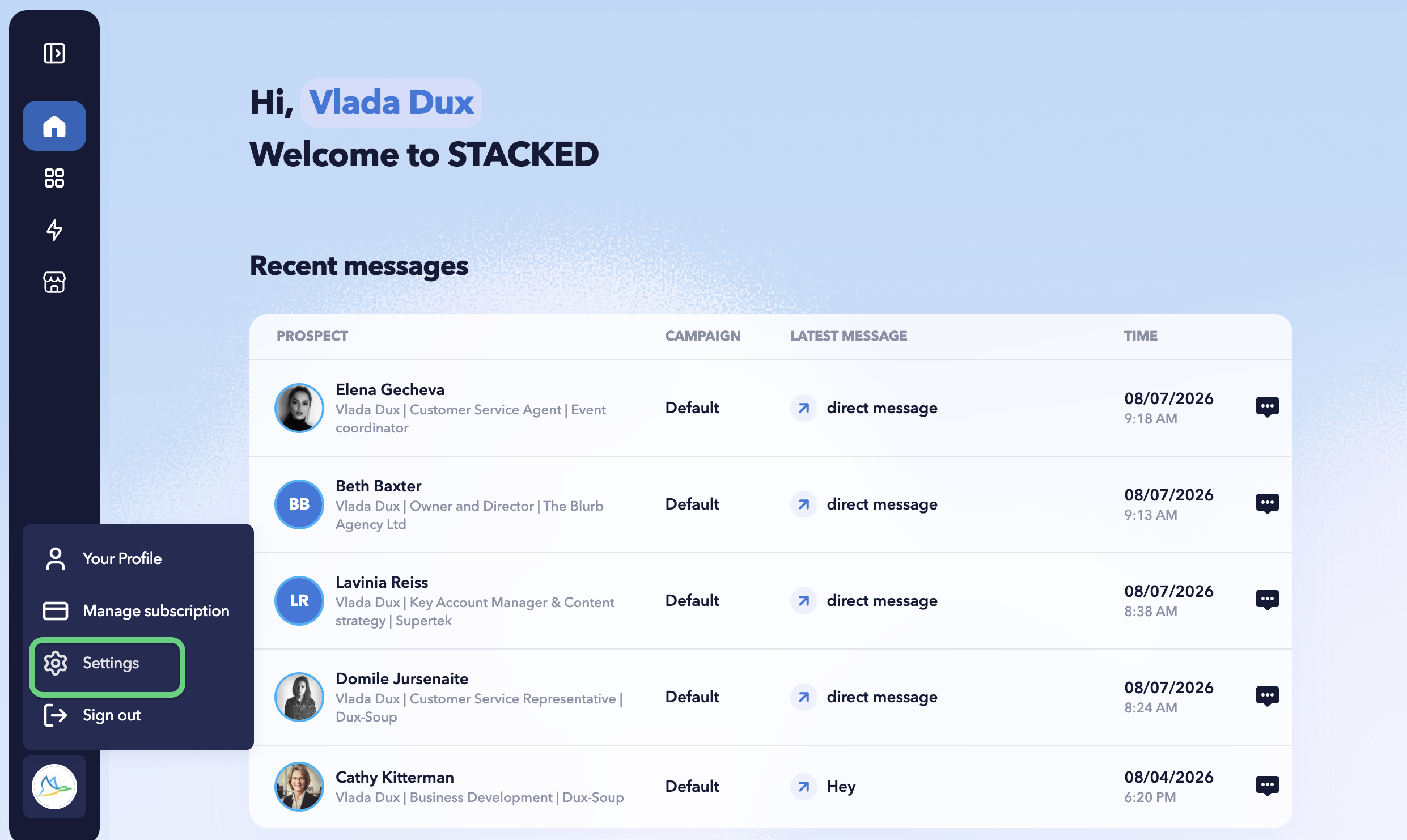
- Select the User tab.
- Click Logout.

You will be signed out of your STACKED account so you can use another email to sign in.