
Skill Endorsement
The Skill Endorsement option is available in the Expert UI for Pro and Turbo users within the extension (Options → Actions tab). In addition, Turbo and Cloud users can endorse LinkedIn profile skills as part of a drip campaign sequence.
This article explains how to enable the Endorsement feature within the extension, which is especially useful for Pro users. To enable it, go to Dux-Soup Options → Actions and turn on “Endorse skills of a 1st-degree connection using Standard LinkedIn.”
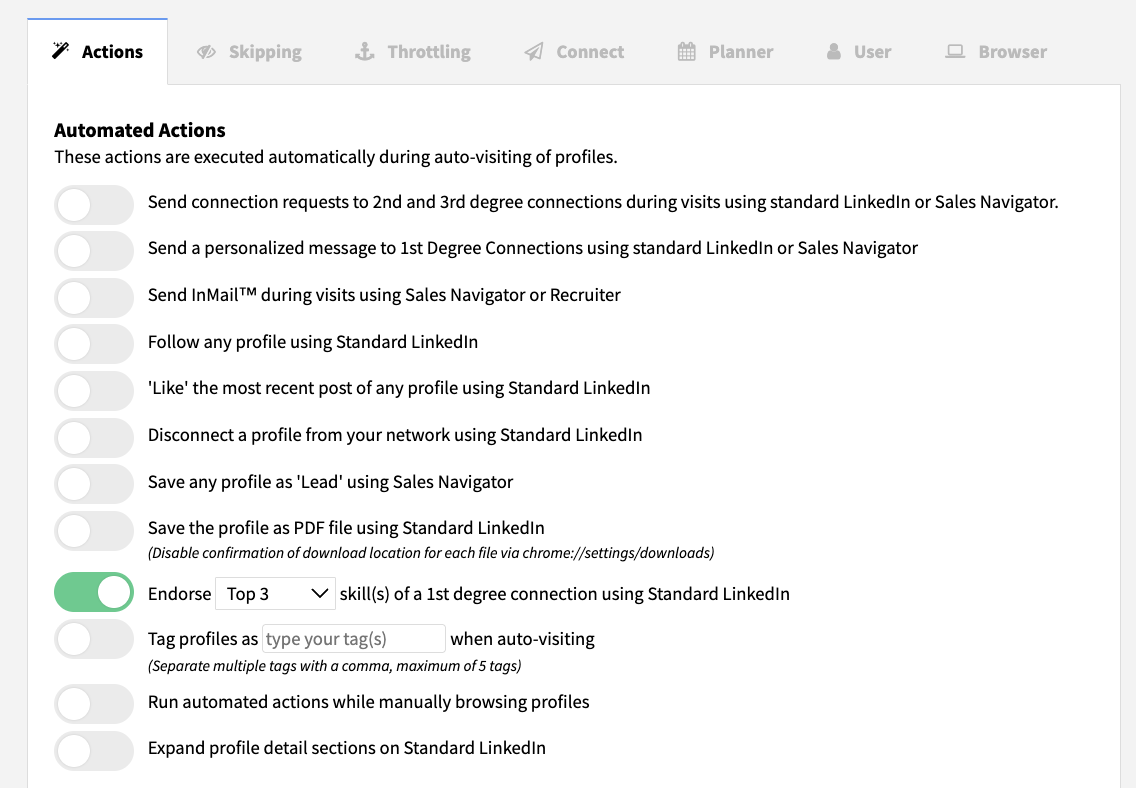
Next, go to LinkedIn and filter your 1st-degree connections that you want to endorse.
Once you’re satisfied with your filtered list, click Visit Profiles to start endorsing.
Note: If you only want to perform endorsements, make sure to turn off other functions (e.g. direct messaging) to avoid unintended actions.