
Installing Gemini Connector
The Gemini integration is available for Dux-Soup Turbo or Cloud users.
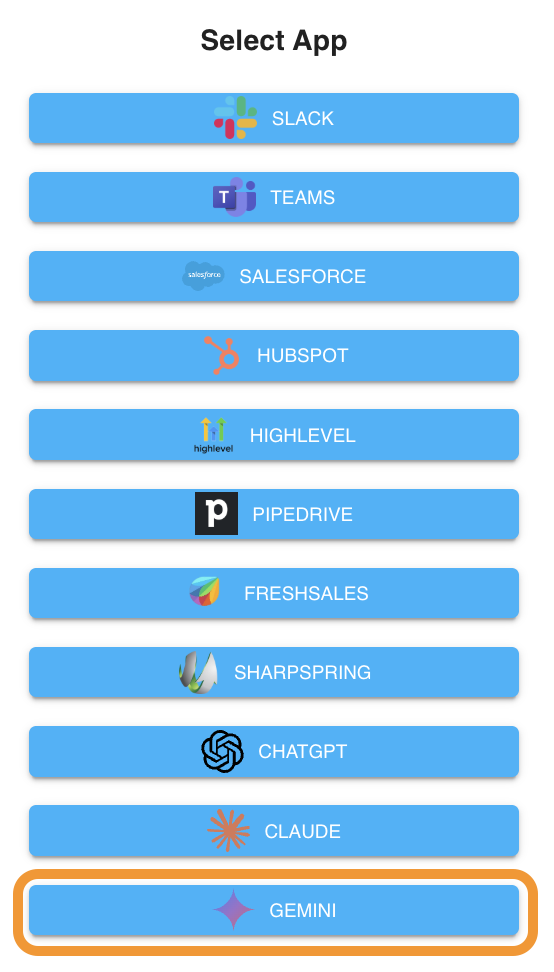
To install the Gemini connector, go to Dux-Dash, App Connections page, click on the New Connection button, and select Gemini:
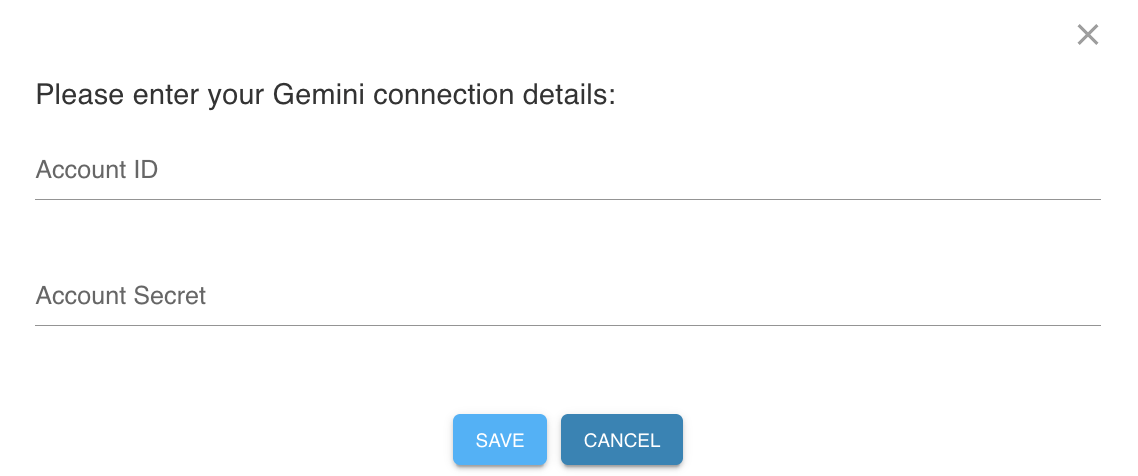
Please enter your Gemini API key in Account Secret in the next step. The Account ID field can be set to any value of your choosing.
Getting your Gemini Secret
To get your API key, follow these simple steps:
- Navigate to the Google AI Studio API keys section.
- Select "Create API key" and choose whether to attach it to a new or existing Google Cloud project.
- Copy the generated string and paste it into Dux-Soup
- Note that Google will only display this key once for security. Ensure you copy it directly into your Dux-Dash Account Secret field or save it somewhere safe.
Google offers a Free Tier for the Gemini API via Google AI Studio. This allows you to prototype, test, and use the Dux-Soup integration completely free of charge without requiring a paid Gemini subscription or credit card upfront.