
Gemini integration
The Gemini integration is available for Dux-Soup Turbo or Cloud users.
Dux-Soup integrates directly with Gemini to help you create more personalized LinkedIn outreach campaigns at scale.
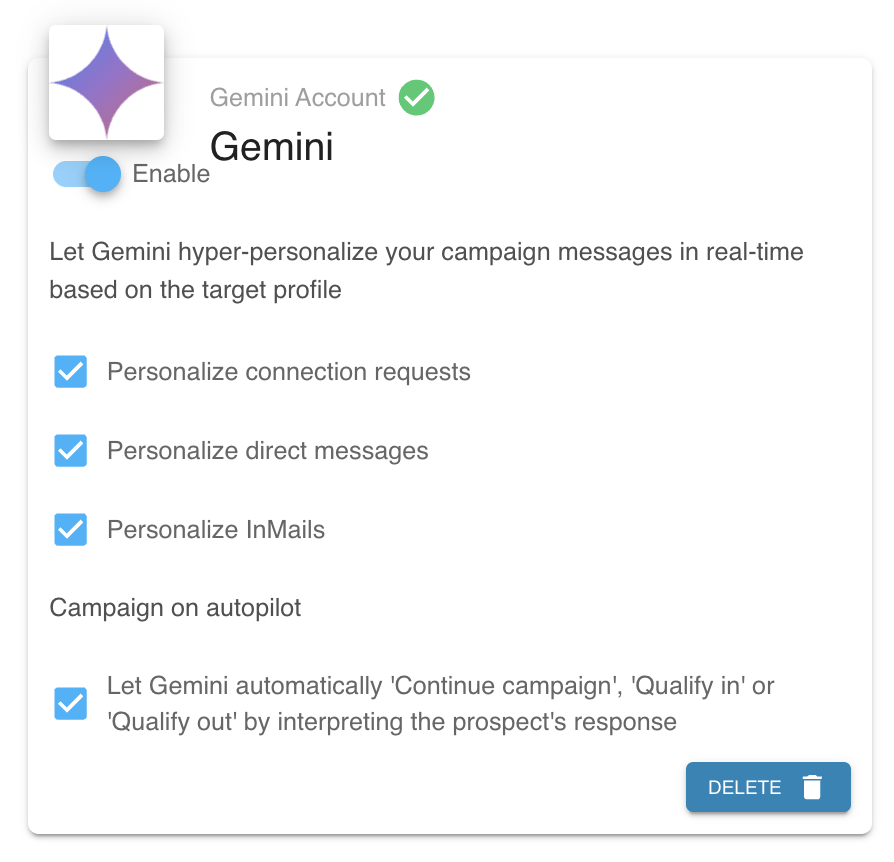
Once the Gemini connector is installed, Dux-Soup can:
- Personalize connection requests
- Rewrite direct messages before sending
- Customize LinkedIn InMails
- Automatically continue campaigns based on replies
- Automatically qualify prospects in or out of campaigns
How it works
First, create your outreach sequence in the Drip Campaigns section of Dux-Soup.
You should still write your original campaign templates with message placeholders exactly as you normally would. However, the templates can remain simple and do not require complex personalisation.

Your campaign templates remain the foundation of all messages. AI is used only to personalize tone and wording.
Enable the 'AI Powered' setting and save your campaign.

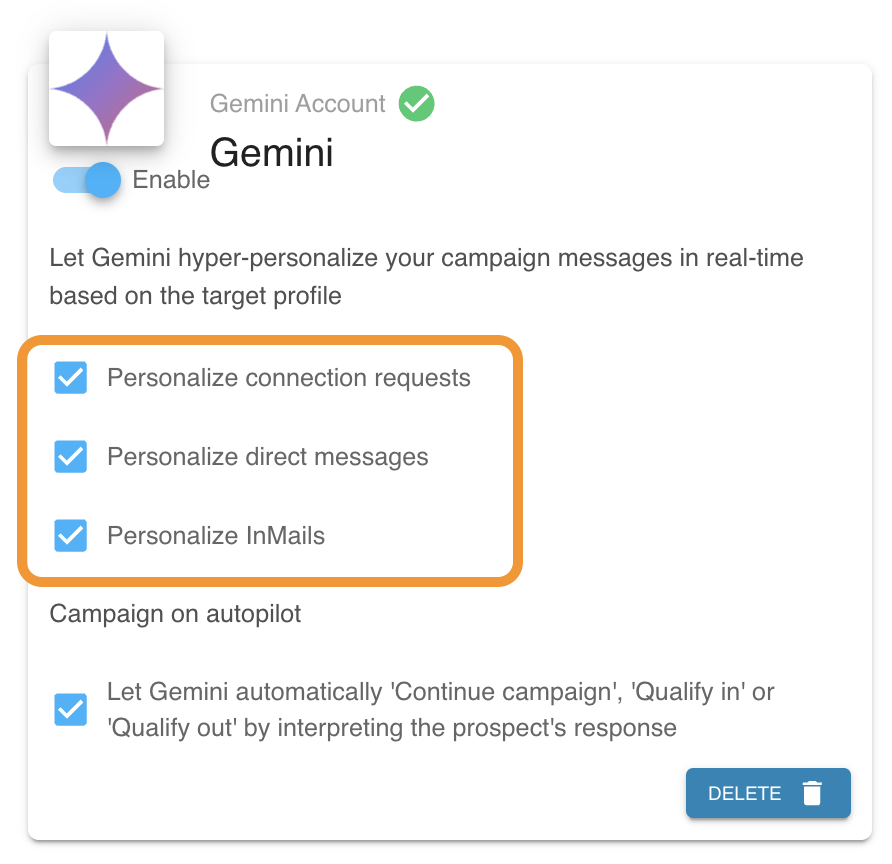
To personalize a specific action, you must enable the corresponding option in Dux-Dash → App Connections.
For example, you may choose to personalize only direct messages while leaving connection requests unchanged.
Before a message is sent, Gemini analyses the template and rewrites it to make it more relevant, personalized, and natural based on profile information such as:
- First name
- Last name
- Job title
- Company
- Company website
- Location
- Industry
- Profile summary
Previewing AI-generated messages
You can preview how Gemini will personalize your campaign messages before launching.
Click AI Preview, then click a profile to generate and preview a personalized message. Dux-Soup will then send your campaign template to the configured AI model and display the personalized result.

The profile selection list contains the five most recently viewed LinkedIn profiles. If no viewed profiles are available, Dux-Soup will use sample profiles for testing purposes.

This allows you to verify how your templates are being rewritten before messages are sent to prospects.
AI-powered reply handling
When prospects respond, Gemini analyzes the conversation to determine the next automated action for Dux-Soup.
Based on the reply, Dux-Soup will automatically:
Continue the drip campaign: If a reply is neutral or unclear (e.g., “Thank you.”), the campaign continues to the next action.
Mark as qualified: If a prospect shows interest (e.g., “Yes, this sounds interesting. Happy to learn more.”), They are moved into the Qualified Funnel.
Qualify out: If a prospect declines (e.g., “Not interested right now.”), further outreach stops immediately.
This automation eliminates manual inbox management while keeping your outreach relevant and professional.
Please note that Dux-Soup will stop the sequence once someone replies by default, without Gemini integration.
If you have multiple AI integrations enabled (for example, multiple ChatGPT, Claude, or Gemini connections), Dux-Soup will use a single AI model to process personalization and reply handling.
Important: If more than one AI model is enabled, Dux-Soup will use the first available model it finds.