
Can STACKED find email addresses for LinkedIn prospects?
Yes. STACKED can capture email addresses available for your 1st-degree LinkedIn connections.
For 2nd- and 3rd-degree prospects, you can use The Address Finder to look for an email address using email lookup credits.
Find emails for 2nd and 3rd-degree prospects
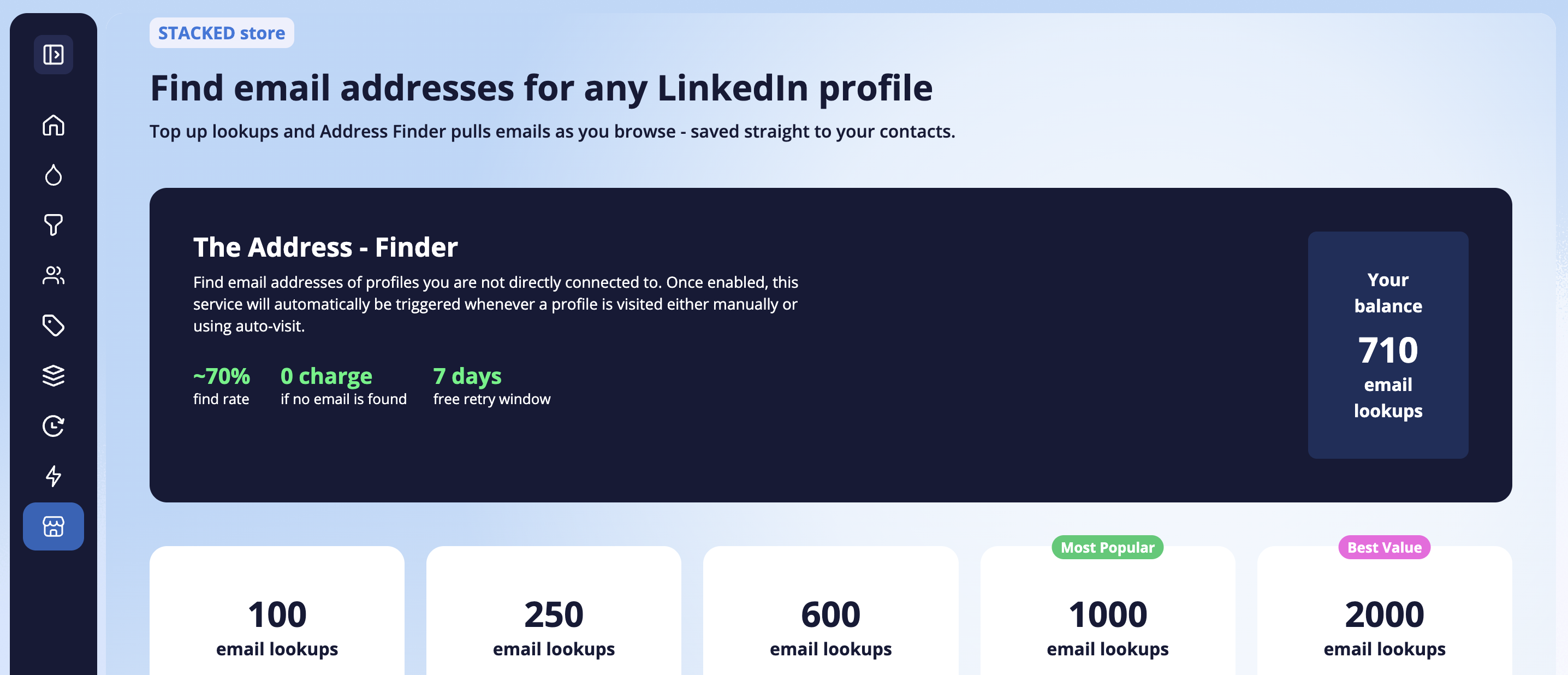
Open the STACKED Store to access The Address Finder.
The Address Finder can look for email addresses when you visit LinkedIn profiles that you aren’t directly connected to.
Once enabled, the service can be triggered when a profile is visited:
- Manually
- Through STACKED drip campaign automation
How do email lookup credits work?
One email lookup credit is charged for one successfully found email address.
If the Address Finder doesn’t find an email address, you aren’t charged for that lookup.
You can purchase additional email lookup credits from the STACKED Store when required.
The Address Finder includes a 7-day free retry window. If you revisit the same profile within this period, you won’t be charged another lookup credit for retrieving the same email again.
Where can I see my remaining email lookups?
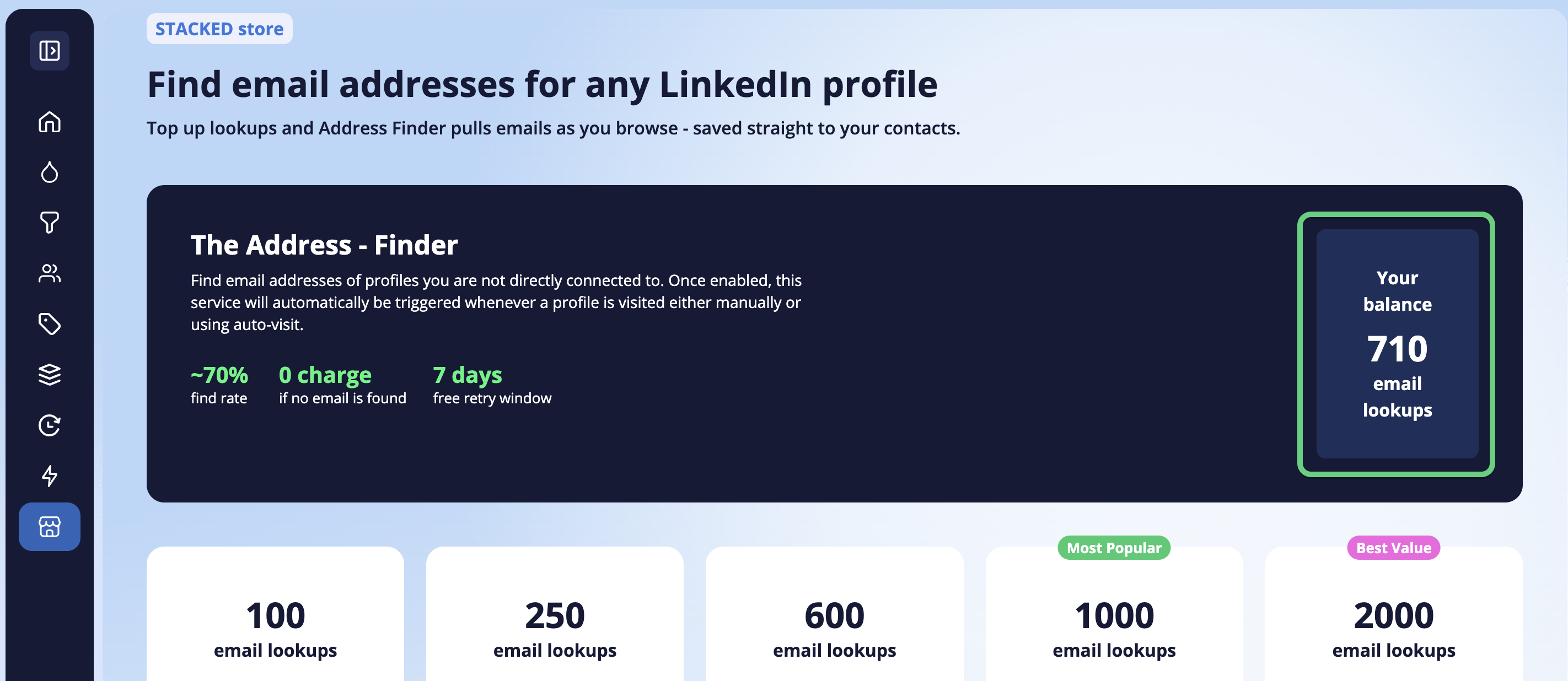
Your current email lookup balance is displayed directly in the STACKED Store alongside the Address Finder.
Where are captured email addresses stored?
When STACKED successfully finds an email address, it is added to the prospect data captured by STACKED, so you can use it as part of your prospecting and export workflows.