
Installing Salesforce CRM Connector
To install Salesforce CRM, go to the STACKED Dashboard, App Connections page, click the +Add Connection button and select Salesforce:
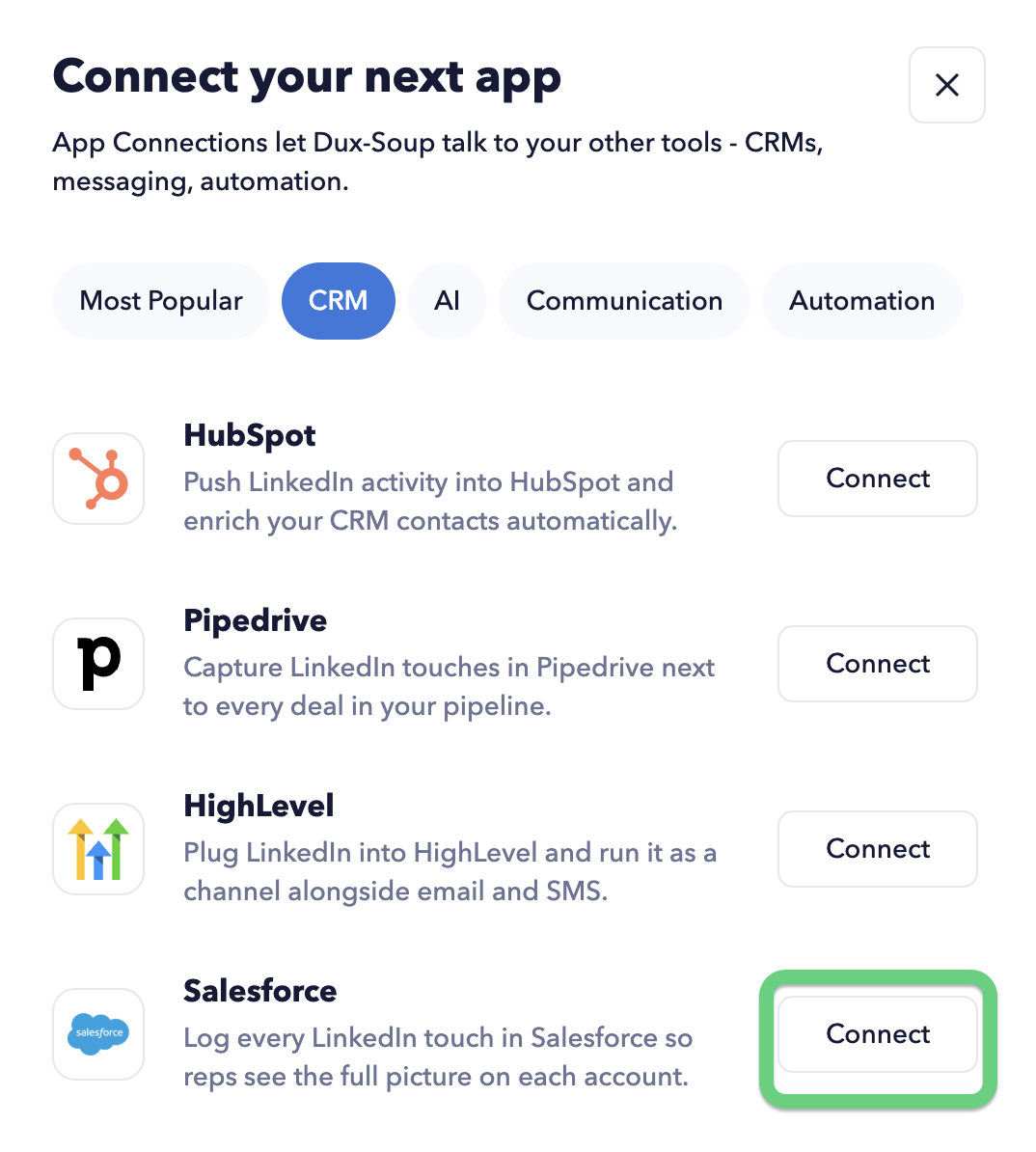
You will see a consent screen requesting access.

Once you grant access, your Salesforce CRM account will appear on the App Connections page in the STACKED Dashboard.
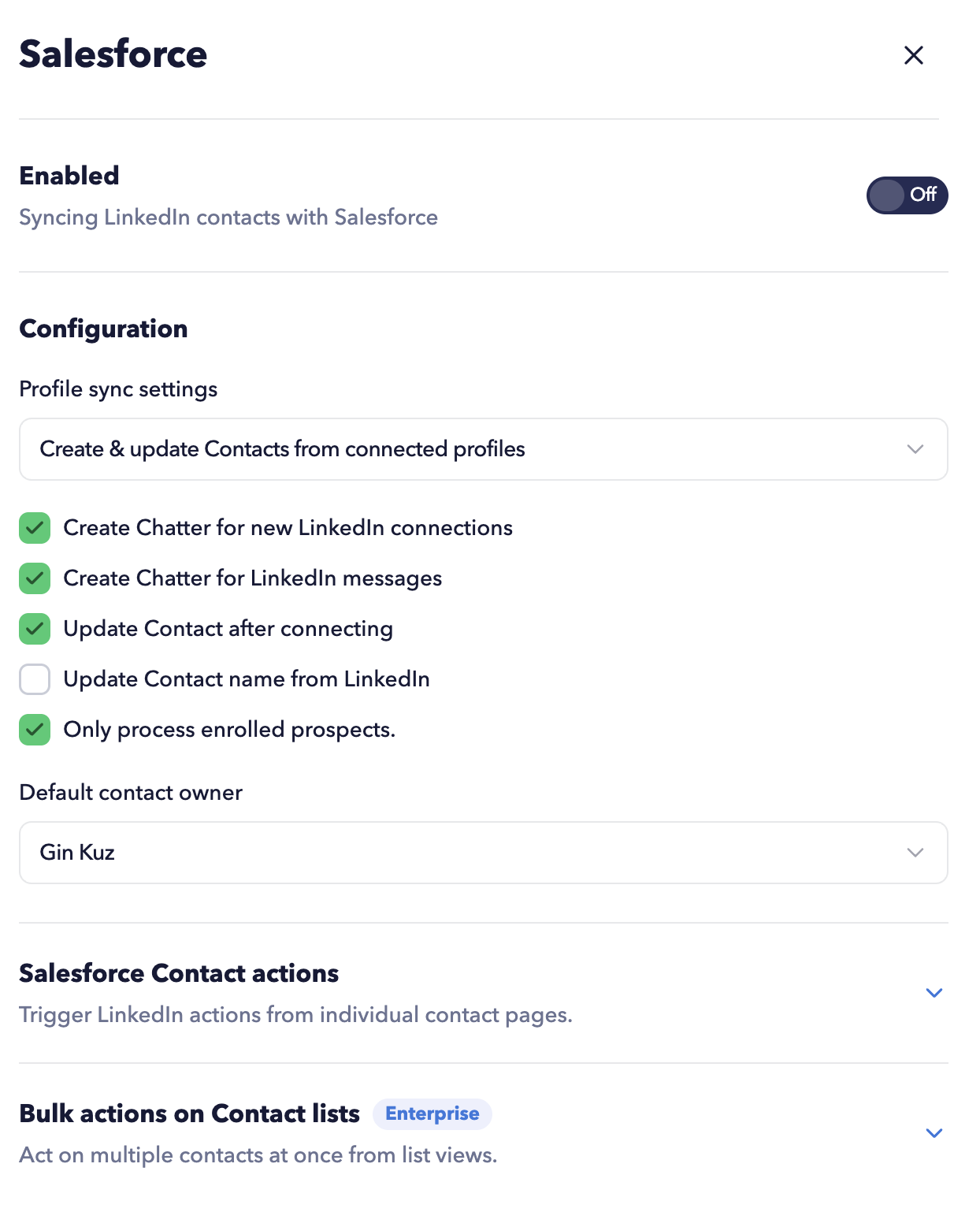
The Dux-Soup Connector is available for Salesforce editions that include API access, specifically:
- Enterprise Edition
- Unlimited Edition
- Developer Edition
- Performance Edition
- Pro Suite
You can access Salesforce CRM integration with all STACKED plans.