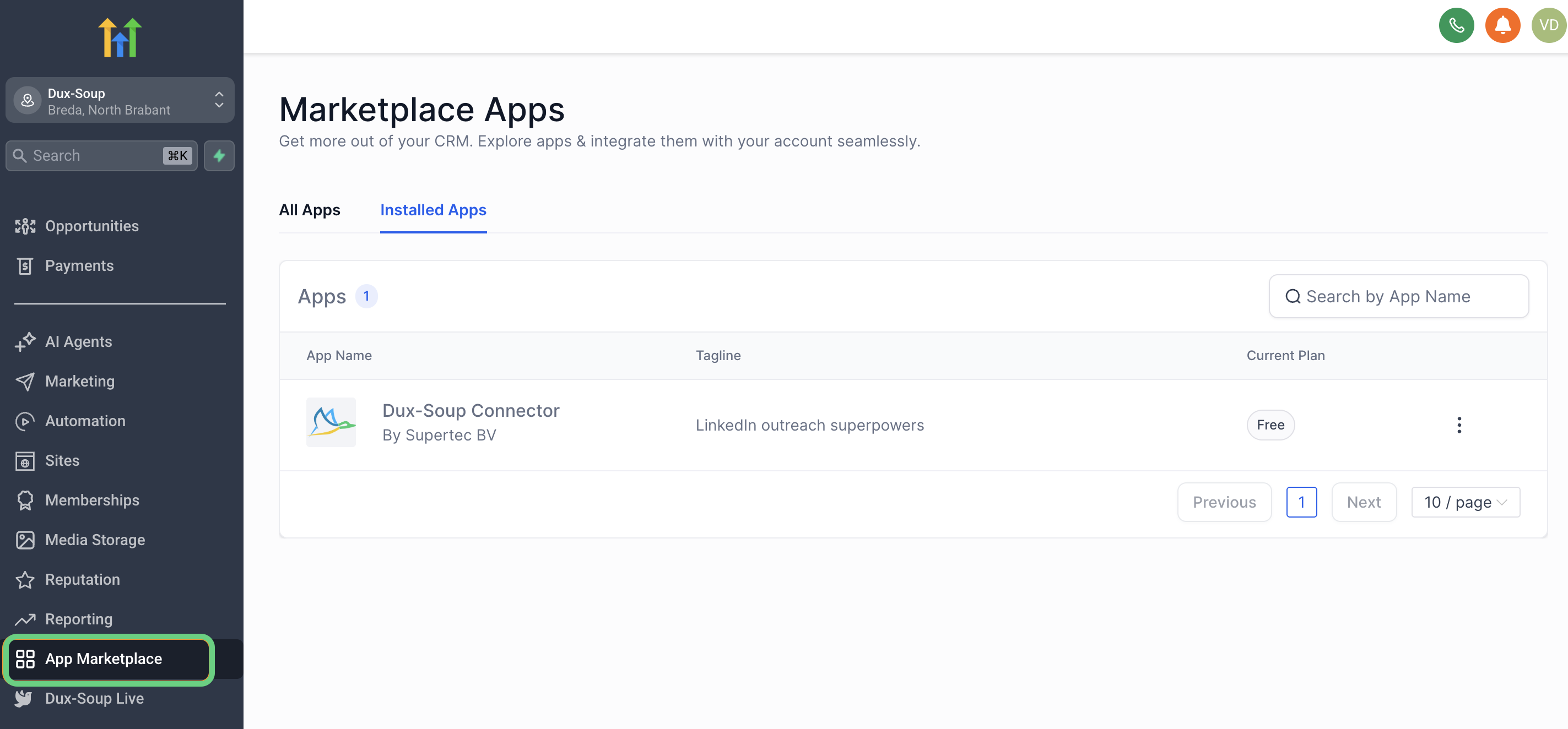
Installing HighLevel CRM Connector
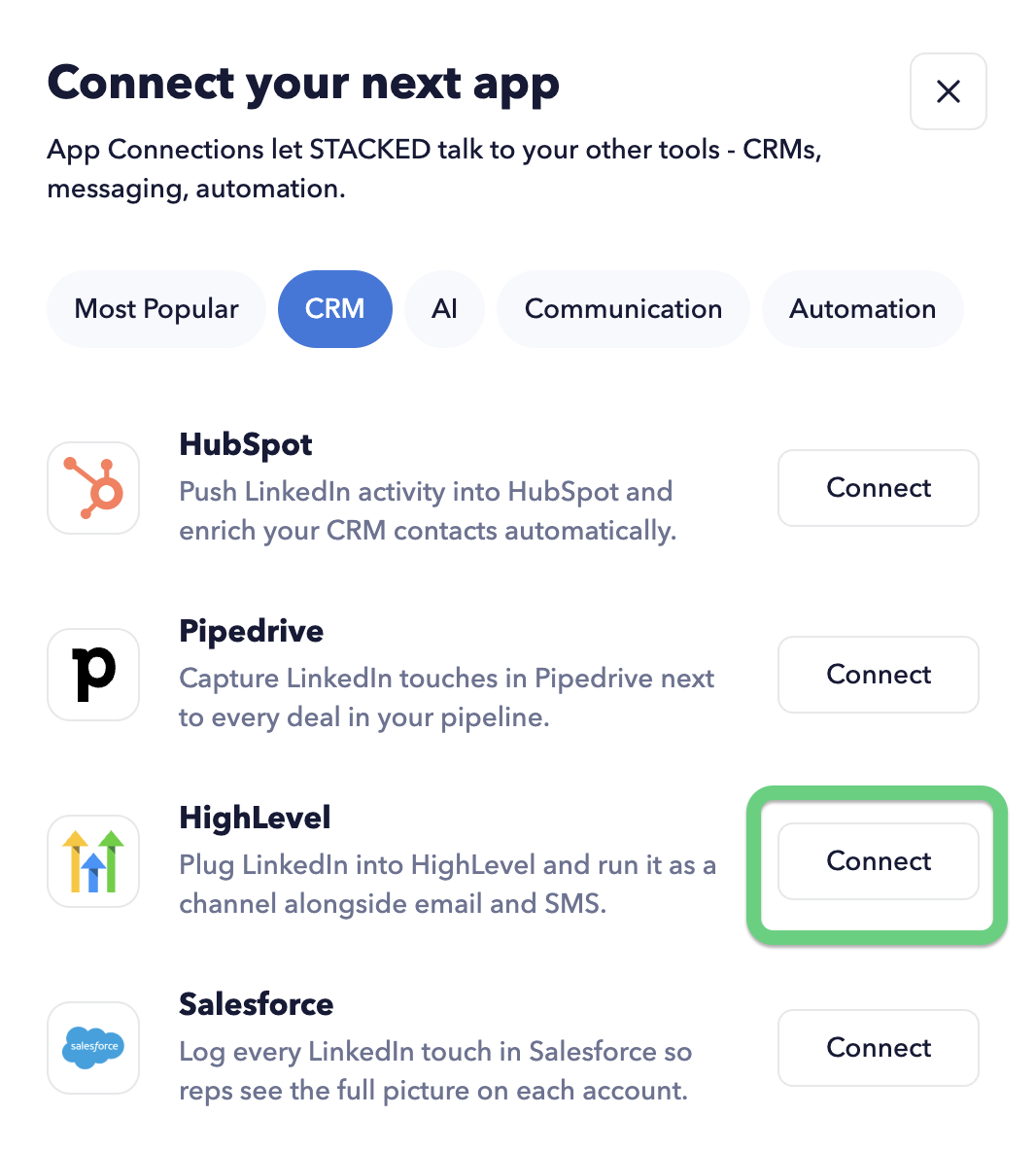
To install the HighLevel CRM connector, open the STACKED Dashboard and navigate to the App Connections page. Click the +Add Connection button and select HighLevel.
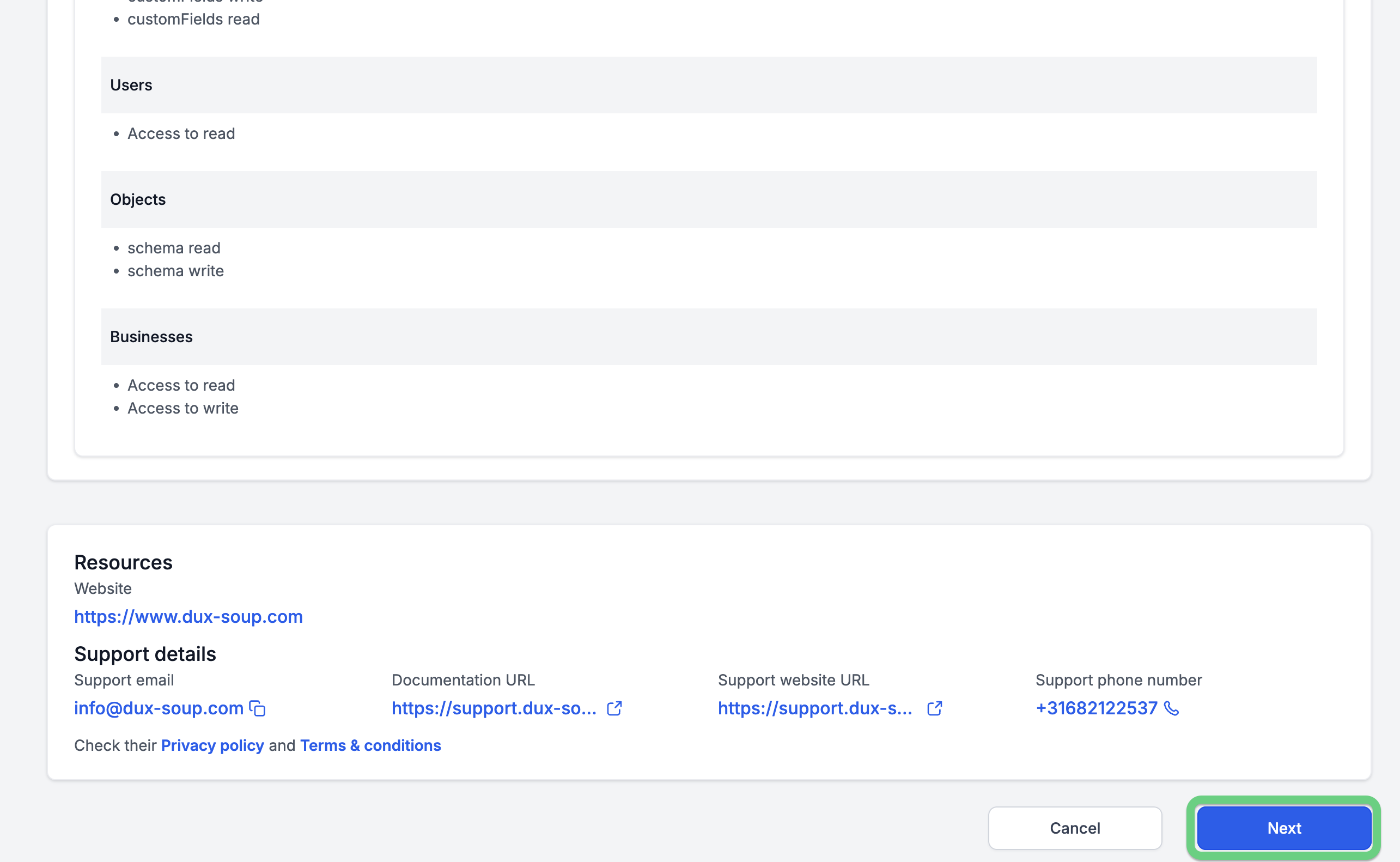
You will be prompted to log in to your HighLevel account. After logging in, you will be redirected to the Install Confirmation page. Here, you’ll see the permissions requested by the app - click Next at the bottom to continue.
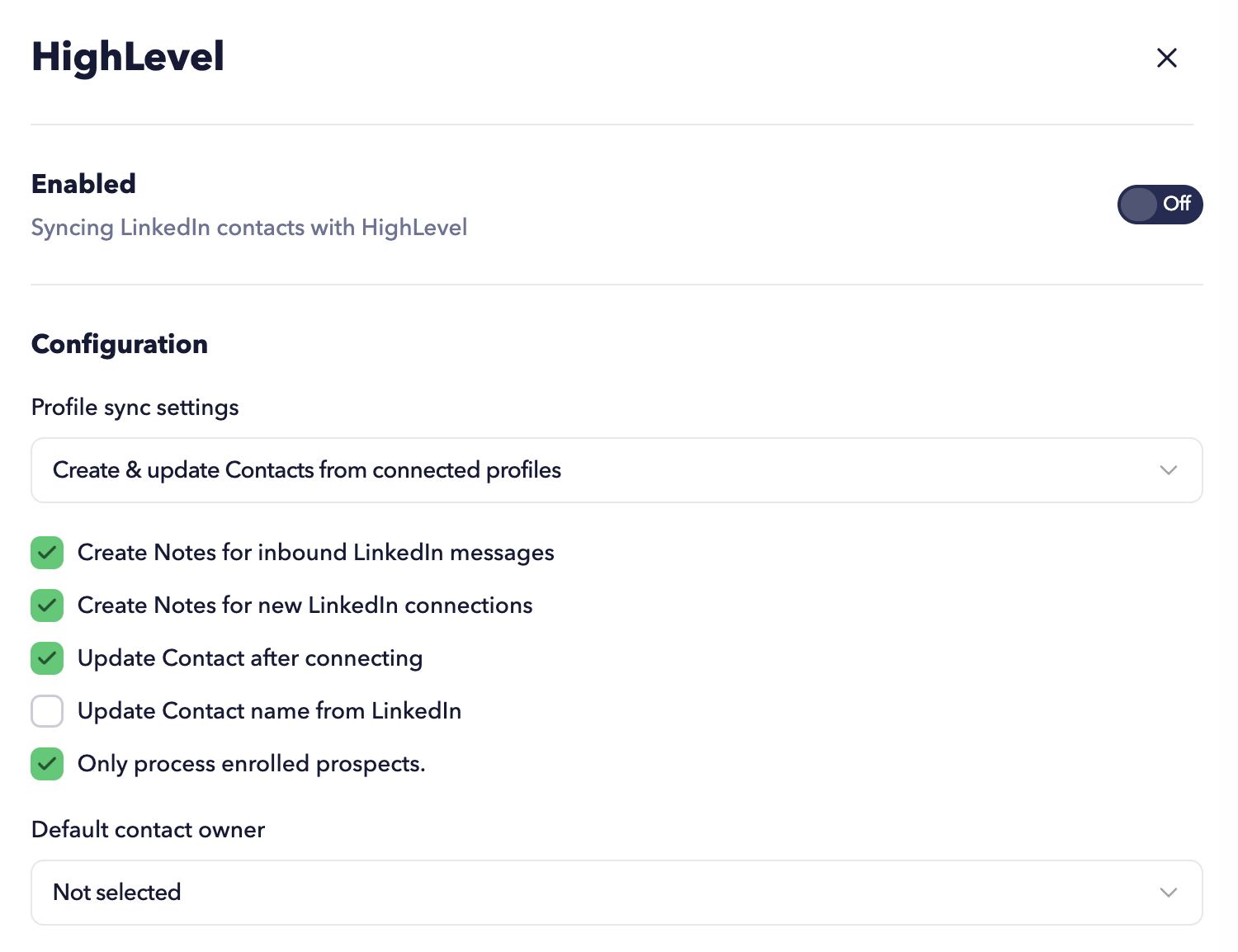
Next, choose an Account Name for the connection. Once completed, your HighLevel CRM account will appear on the STACKED App Connections page.
As well as in the App Marketplace inside HighLevel.