
How to enable bulk STACKED actions in Salesforce Contacts list
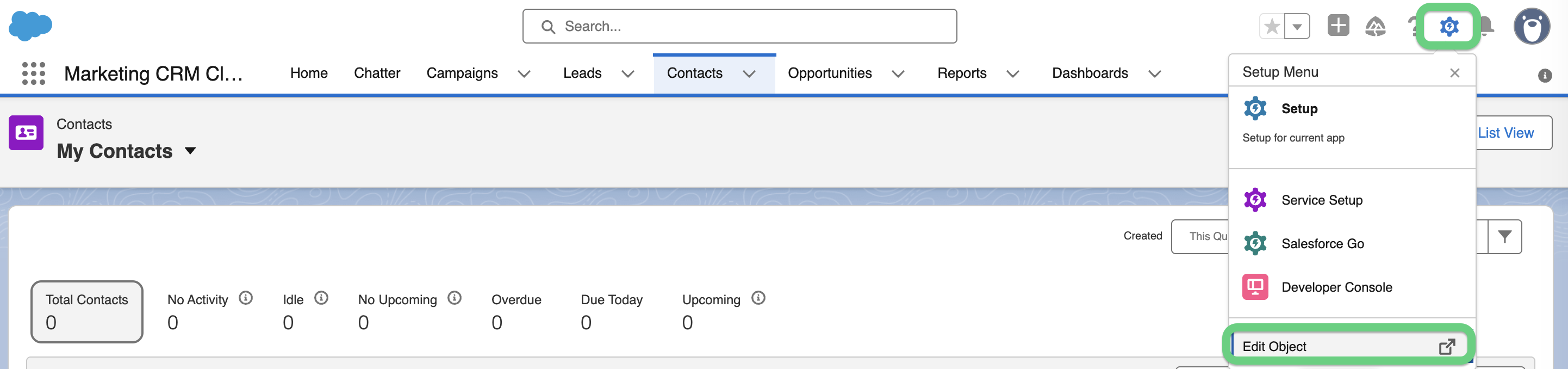
You can enable bulk STACKED actions in the Salesforce Contacts list if you have Salesforce Enterprise Edition. To do that, click on the Setup Menu gear icon and select 'Edit Object':
Note that you need to install the STACKED Dux-Soup package/Connector NX before you can enable bulk actions.
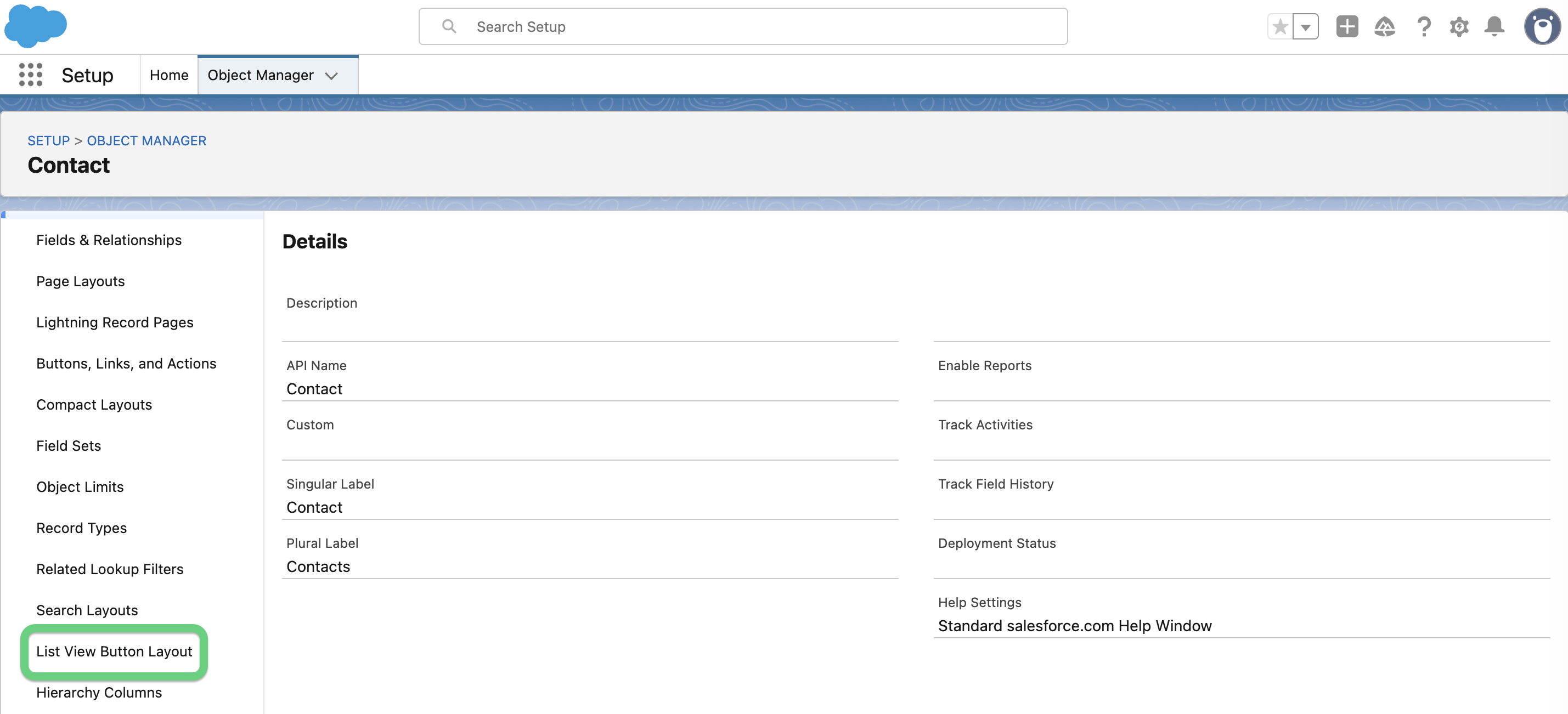
Scroll down the menu and select the 'List View Button Layout' option:
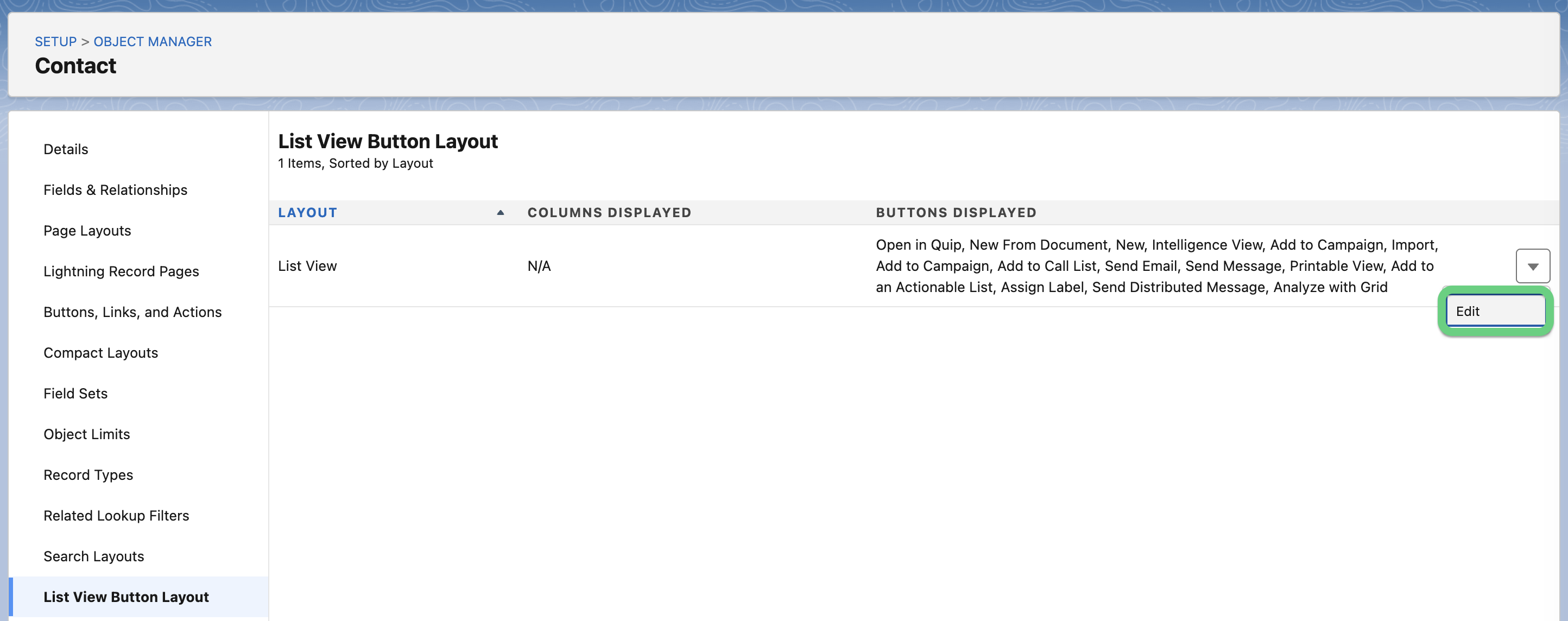
Select 'Edit':
Then, select all available custom buttons, click the Add button, and then click the Save button.

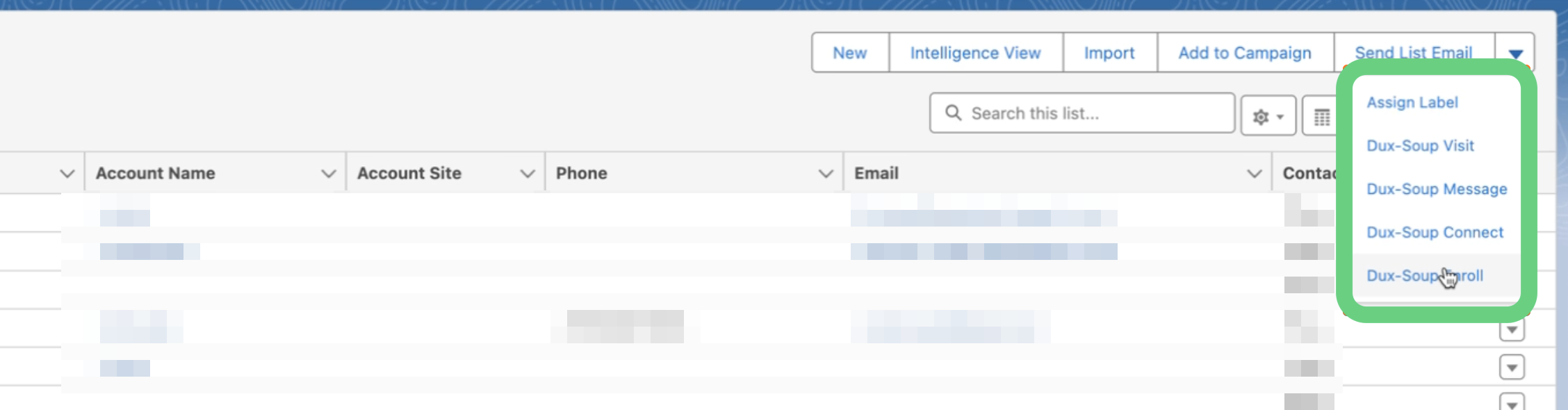
You can now close the Editor page and go back to your Contact list. The available actions for STACKED are located in the top-right corner:
You can access Salesforce CRM integration with all STACKED plans.